
Help
How FiveWay works
Four steps to get going, every tool in one line, and answers to the questions students ask most.
Getting started
Four steps, one topic at a time.
01
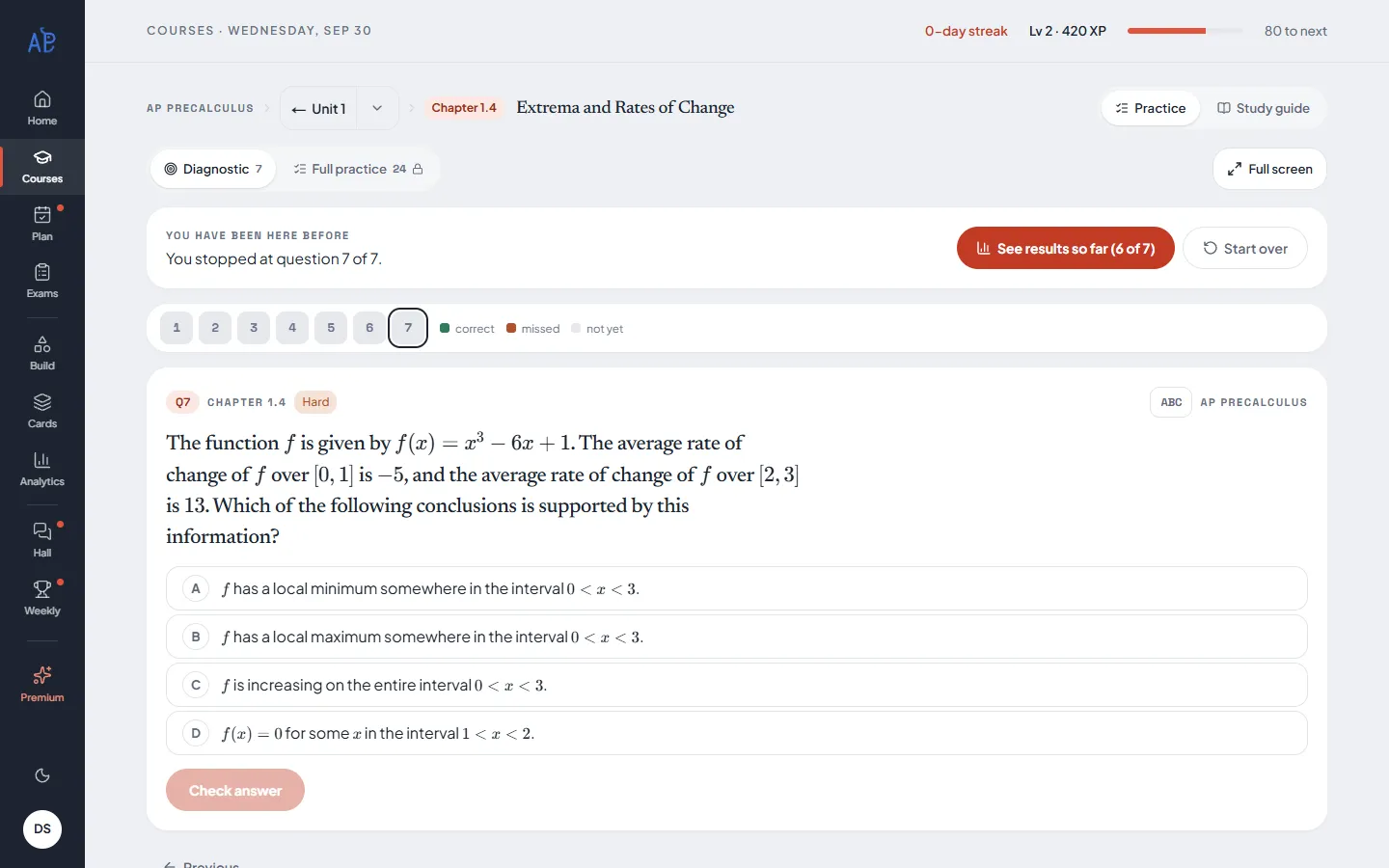
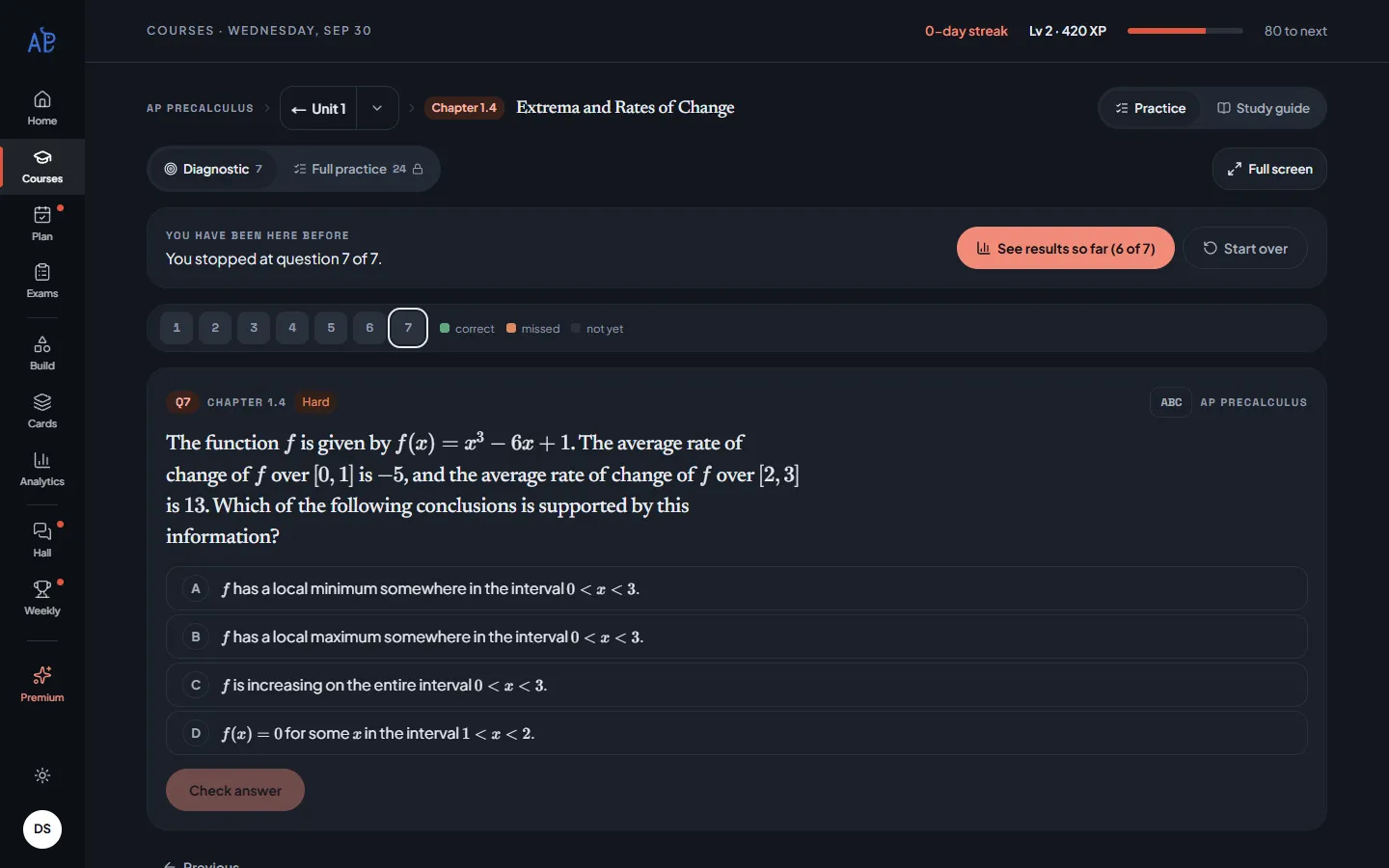
Take the diagnostic
Pick a topic — the one your class is on, or 1.1 if you are starting fresh — and answer its seven questions. No account needed.
Try topic 1.1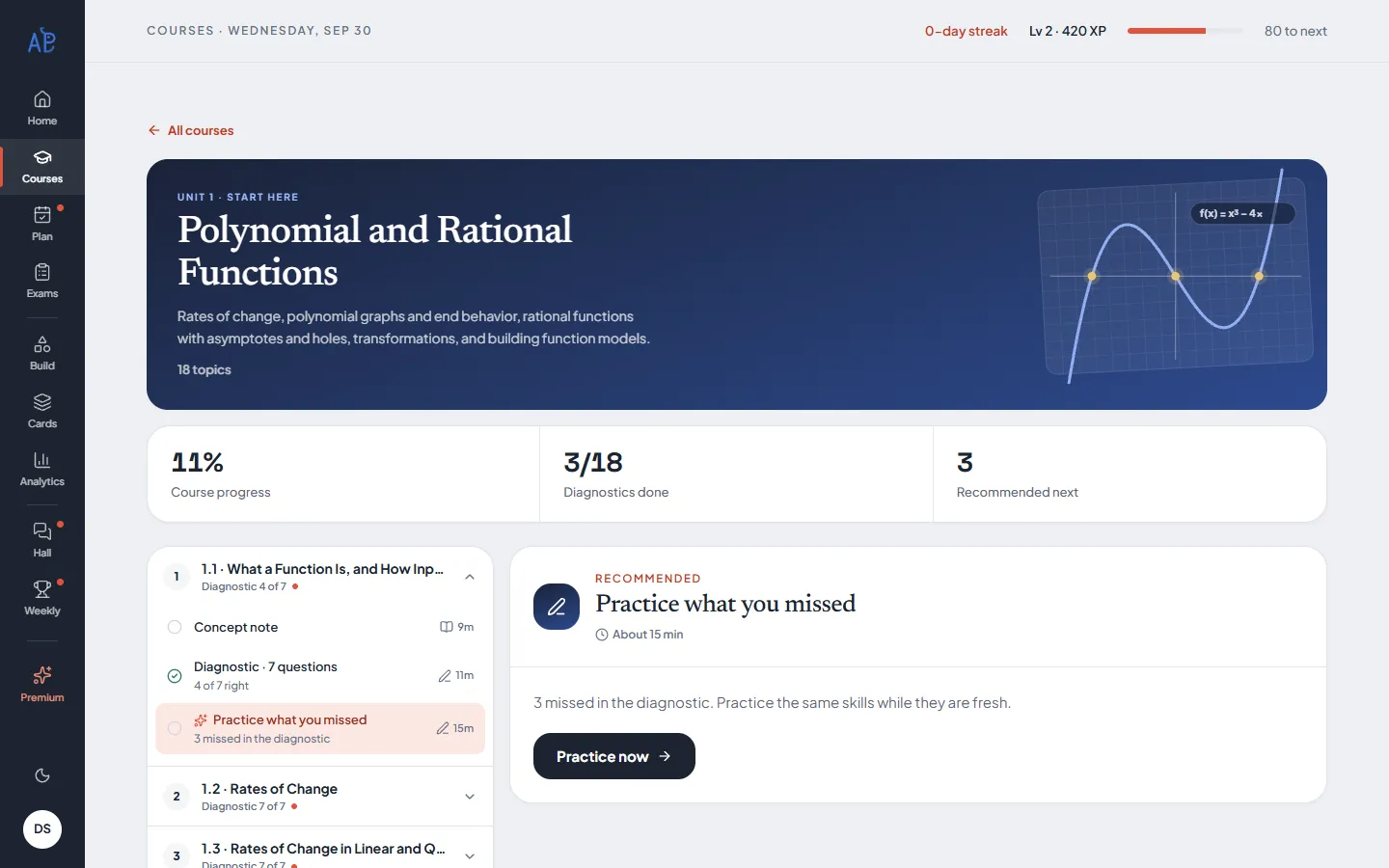
02
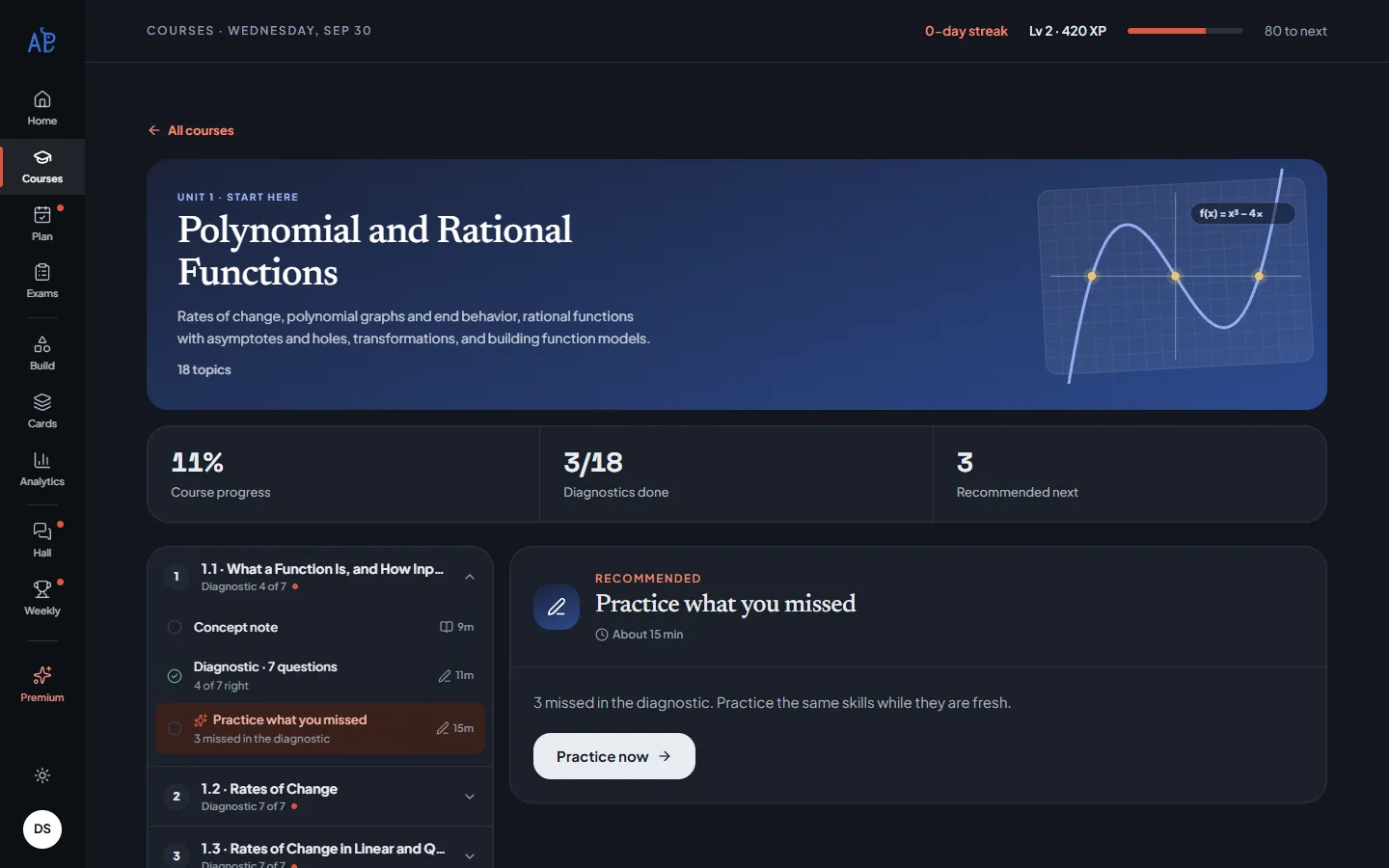
Read the concept note
Each topic has a note with the key ideas up top and worked examples below. Your course page shows how far you have read.
Open the first note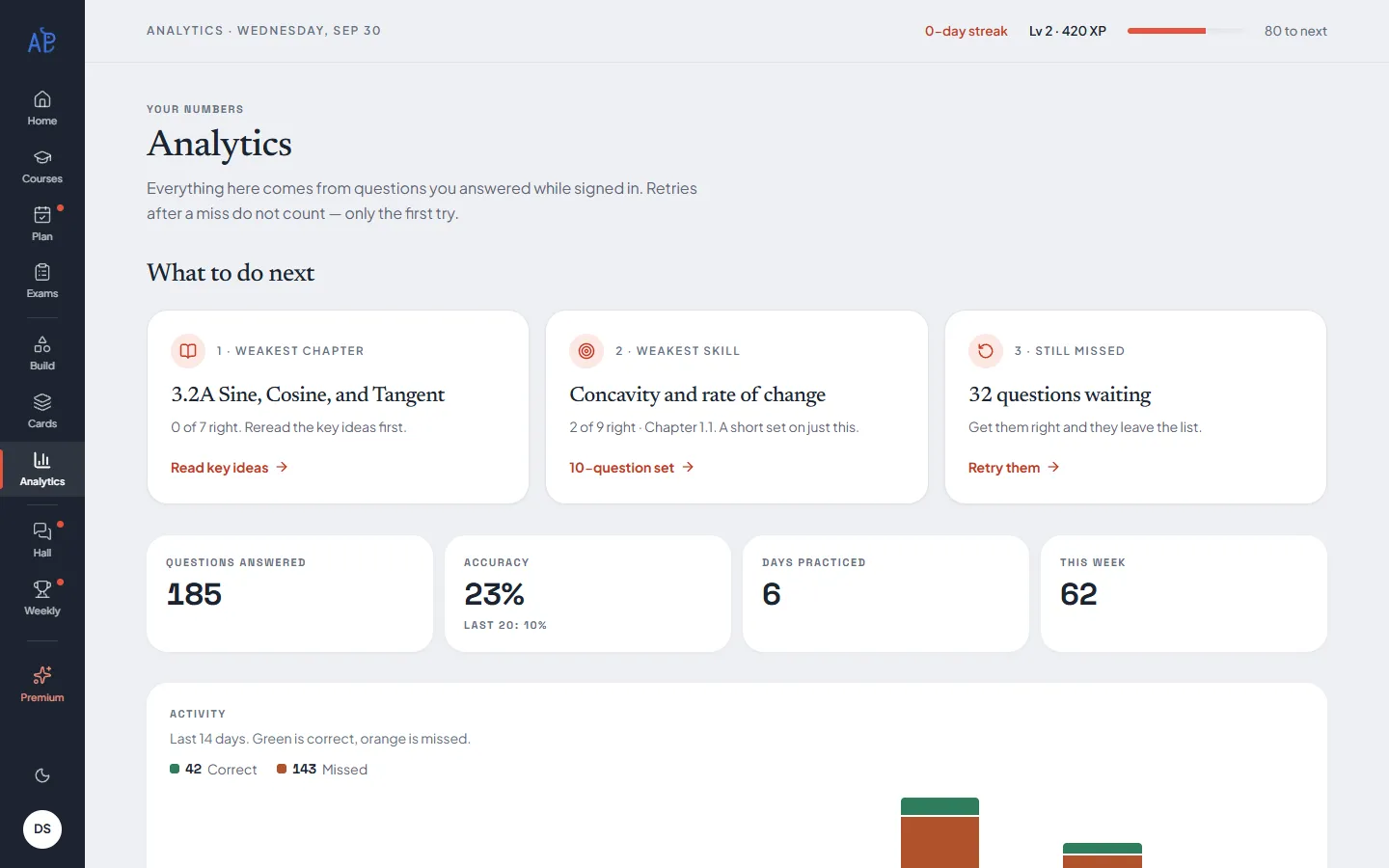
03
Practice what you missed
After the diagnostic, the course recommends questions on the same skills you got wrong. Premium lets you retry every miss and build sets from them.
Build a set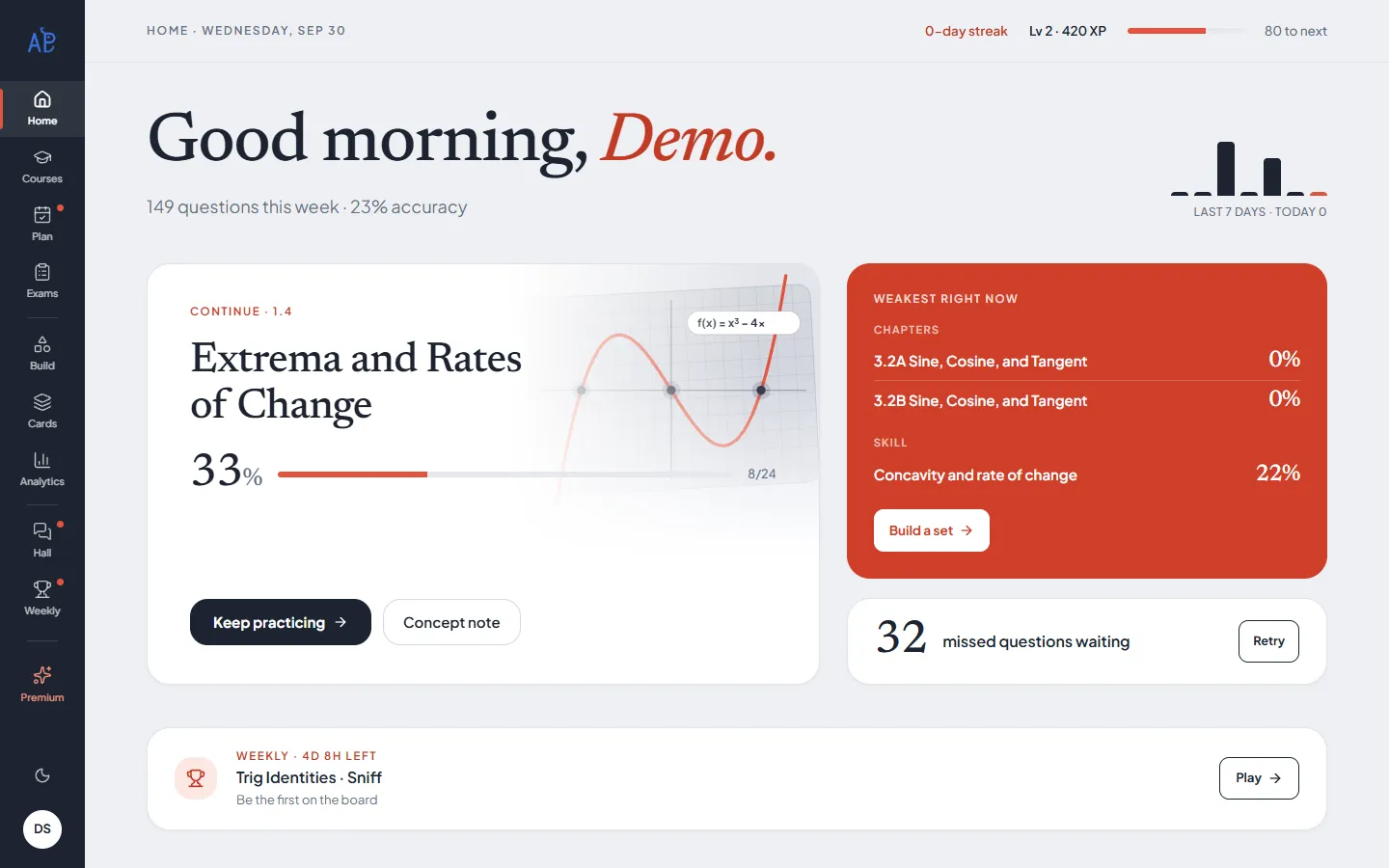
04
Come back to your page
My page picks up where you stopped and names your weakest topics and skill — so each visit starts with the right thing.
Go to my page
Every tool
What each part of the site does.
- CoursesFreeOne course per unit, every topic in CED order, with your progress.
- DiagnosticFreeSeven questions per topic, graded with explanations.
- Concept notesFreeKey ideas, worked examples and a quick check for every topic.
- PracticeFree + PremiumThe first 8 questions per topic are free; Premium opens the rest, Challenge questions included.
- Retry missesPremiumEvery question you got wrong, in one list until you get it right.
- Build a SetPremiumFilter every question by topic, skill, difficulty or what you haven’t answered; save any question for later.
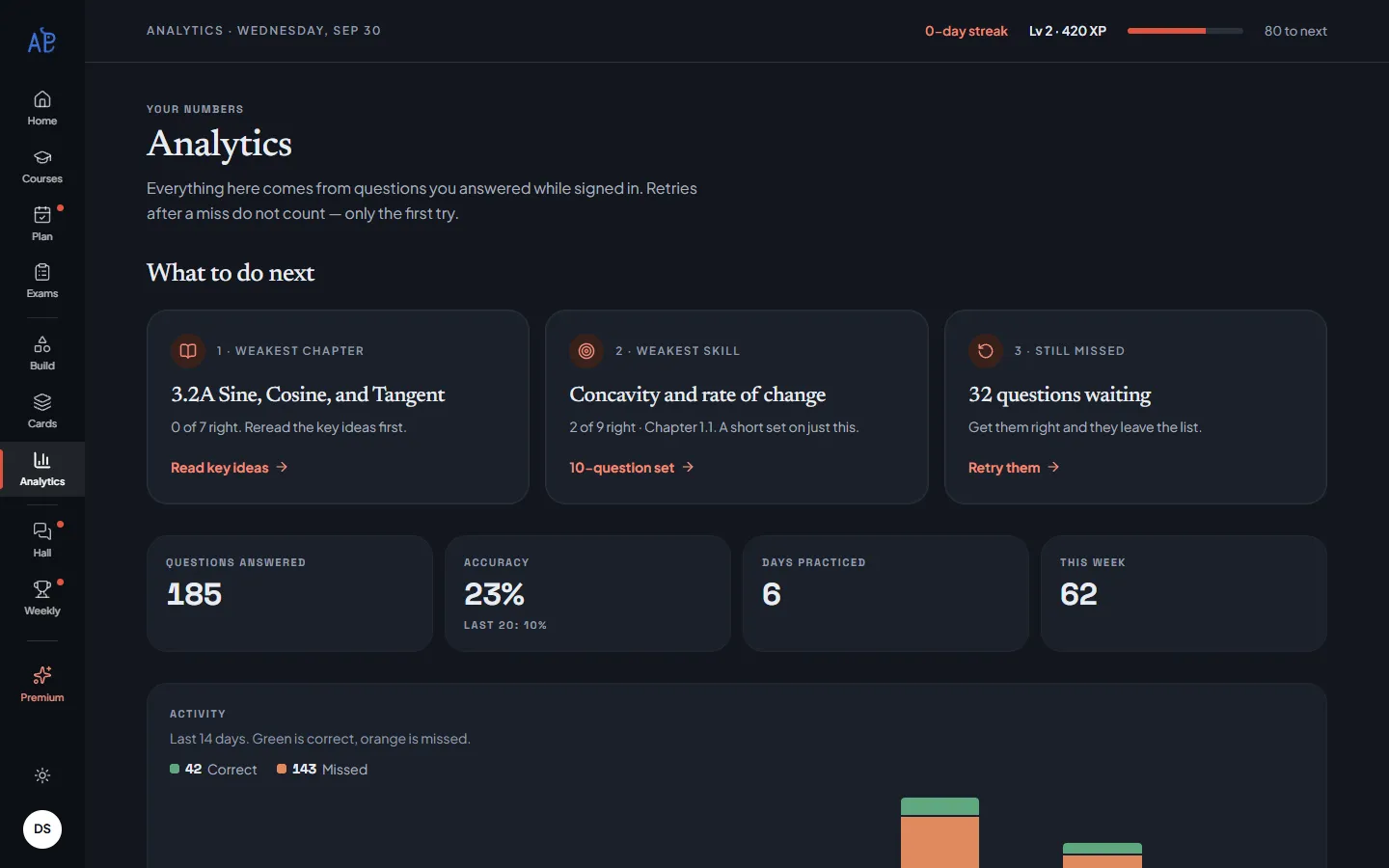
- AnalyticsPremiumAccuracy by topic and skill, your weakest spot and what to do next.
- FlashcardsPremiumFormula cards by topic or concept — star them, shuffle, make your own.
- My PlanPremiumSet goals for the week and watch them fill in from what you do.
- Mock examsPremiumTimed unit exams, and full exams with Section I (multiple choice) and Section II (free response).
- Formula DogFreeThree formula games, a new weekly deck every Monday and a leaderboard.
- CommunityFree + PremiumAsk about a question — with the question attached — and help each other. Premium can ask a tutor to answer.
FAQ
Frequently asked questions
Still stuck? Ask in Community — other students and our tutors read it.
Is FiveWay free?
Yes, to start. Concept notes, the 7-question diagnostic in every topic, the first 8 practice questions per topic, the Formula Dog game and Community are free. Premium adds every remaining question (Challenge questions included), retrying your misses, custom sets, mock exams, flashcards, My Plan, full analytics and tutor answers in Community.
How much is Premium?
Premium isn’t on sale yet. During early access, every signed-in student can use all of it for free while we test it.
Do I need an account?
No account is needed to read the notes or take a diagnostic. Sign in with Google to save your answers, see your record on My page, and get on the Weekly Challenge leaderboard.
Is FiveWay affiliated with the College Board?
No. FiveWay is independent. It is organized around the College Board’s public Course and Exam Description (CED), and every question is written for FiveWay in the style of the exam — none are official exam questions.
My school teaches the units in a different order. Will this still match?
Yes. FiveWay follows the CED’s topic numbers — 44 topics from 1.1 to 3.15 — not any one school’s calendar. Find the topic your class is on by its number or name, and start there. Unit 4 isn’t tested on the AP exam and is marked “coming soon”.
What’s the difference between the 7-question diagnostic and the 8 free questions?
They’re two sets in every topic. The diagnostic is 7 questions picked to cover the topic’s skills — finish it and you get a report of what to practice. Practice is the topic’s full question list; the first 8 are free, the rest are Premium. Both are free to start, no account needed.
What is the 7-question diagnostic?
Every topic opens with seven questions. Each answer is graded right away with a worked explanation. When you finish, you see which skills cost you points, and your course page recommends what to practice next.
What are Challenge questions?
A few problems in each topic that are pitched above the hardest thing the exam asks. They are part of Premium.
How do mock exams work?
There are two kinds. Unit mock exams mix one unit’s topics into a 20-question, 40-minute multiple-choice paper. Full mock exams follow the 2027 exam format: Section I is 42 multiple-choice questions in 105 minutes, in two timed parts (no calculator, then graphing calculator; the first part locks when the second starts), and Section II is 4 free-response questions in 70 minutes, also in two parts (calculator, then no calculator). Every mock is scored at the end with a report, and full exams give a predicted AP score. Mock exams are Premium.
Who writes the questions?
Every question is written and checked by an AP math instructor for FiveWay, to the College Board’s course outline and the exam’s style. None are copied from official exams.
Is there free-response (FRQ) practice?
Yes. Every full mock exam includes Section II: 4 free-response questions, one of each AP Precalculus FRQ type, in 70 minutes. You write your answers on paper (there’s a printable answer booklet, like the real exam) and score them yourself against a point-by-point scoring guide. There is also FRQ Practice in the menu: a guide for each of the four question types and practice questions — the first question of each type is free.
Where is my progress saved?
When you are signed in, every answer is saved to your account. A few newer features — flashcard stars and your own cards, My Plan goals, and how far you have read a note — are saved in this browser for now, so they won’t follow you to another device yet.
How does the Formula Dog game work?
It is Formula Dog, a fast formula game. Every Monday (UTC) brings a new deck and mode, and everyone gets the same 20 questions. Play as often as you like; your best score goes on the leaderboard, which shows only your first name and last initial.
What can I post in Community?
Questions, wins and help for each other. Attach the exact question you’re stuck on and what you picked; other students reply. Links, profanity and hateful or discriminatory language are blocked, and a post reported by three people is hidden for review. Premium students can ask a tutor to answer their post.
Can I use it in dark mode?
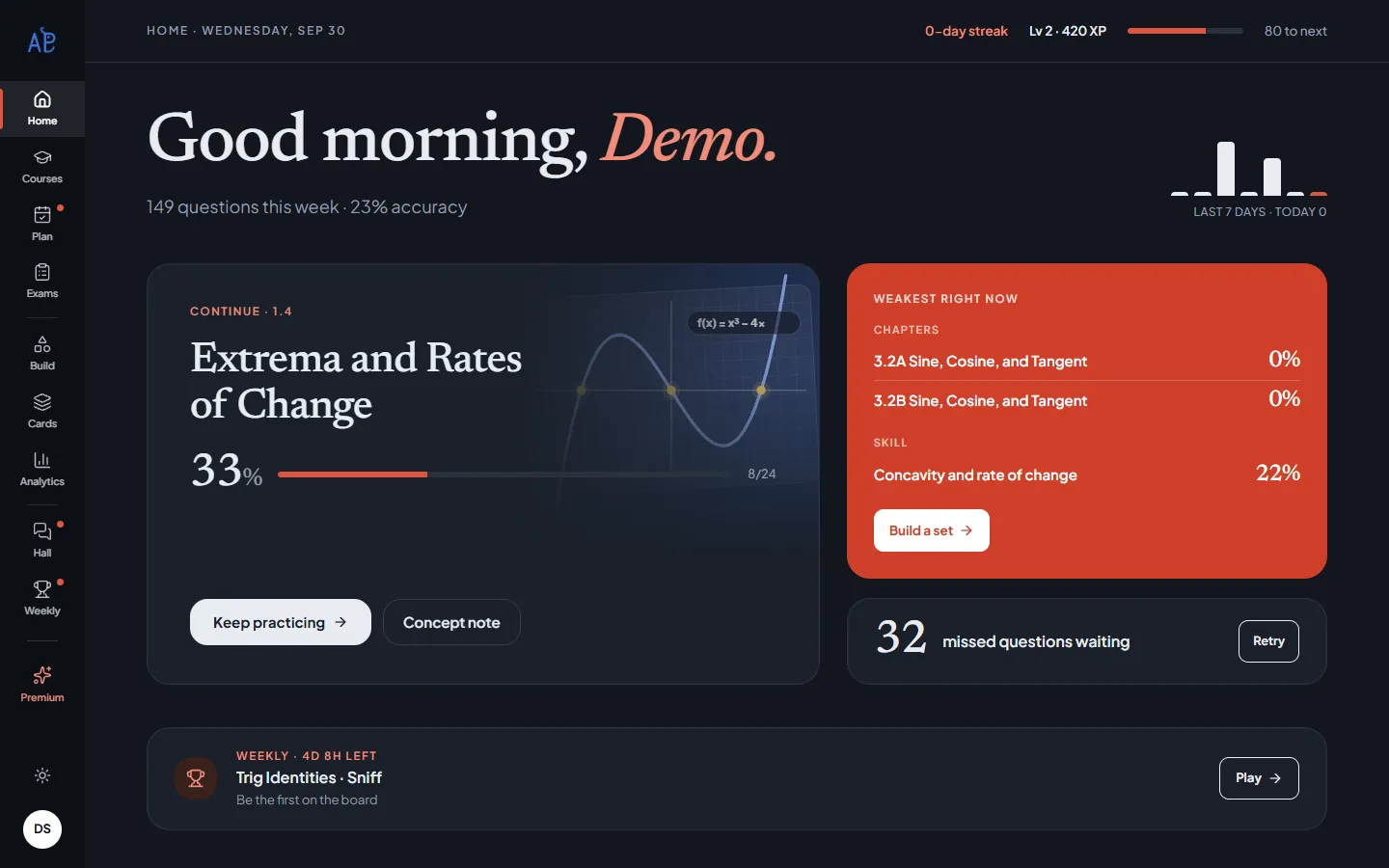
Yes. Use the moon icon in the top bar (or at the bottom of the left rail on My page) to switch between light and dark.